Approvals
Approvals
An approval holds a change until the right people agree. The change is saved provisionally, so everyone sees it marked as pending, and it is undone if rejected. You add one by returning ctx.approve(…) from a policy verdict. There is no separate workflow to build.
// the contractor's update grant, now with an approval
update: {
	fields: ['status', 'amount_charged', 'summary'],
	verdict: function* (changes, ctx) {
		const me = ctx.actor.kind === 'member' ? ctx.actor.id : null;
		const other = changes.findIndex(({ before }) => before.assignee_user_id !== me);
		if (other >= 0) return yield* ctx.refuse('errors.job_not_yours', { row: other });
		// progress saves at once
		if (!changes.some((c) => c.changed('amount_charged'))) return ctx.allow();
		// a charge waits for the teams that hold the controller policy
		const { sys_team } = yield* ctx.query({
			sys_team: { where: { policies: { has: 'field_ops_controller' } }, fields: ['id'] }
		});
		const [first, ...rest] = sys_team.rows.map((team) => team.id);
		if (!first) return yield* ctx.refuse('errors.no_controller_team');
		return ctx.approve({ steps: [{ name: 'Controller review', teams: [first, ...rest] }] });
	}
}
Here a contractor's progress update saves at once, but a change to the amount charged waits for a controller. The verdict reads the teams that hold the controller policy, and refuses by name when none does.
What happens when it runs
- A contractor changes the amount charged on their job and saves. The verdict returns
ctx.approve(...). - The change is saved provisionally and marked pending. Field controllers see the request on the record and in their inbox.
- A controller approves: the request closes and the new amount stands. If the controller rejects instead, the amount goes back to what it was. If they request changes, the contractor edits and saves, which resubmits.
Steps
steps is a list of named steps, decided one after another by members of each step's teams or by its users. Both are ids the verdict reads from rows: the teams that hold a policy, or a team or member the record names. superseded_by lists teams whose members may decide the whole request. Staff read sys_team without a grant; a policy held by external members or by an automation grants its default output. Build the list with ordinary code: add a step only for large amounts, or return ctx.allow() when no review is needed. The flow is saved with the request, so a later release does not change requests already open.
Decisions
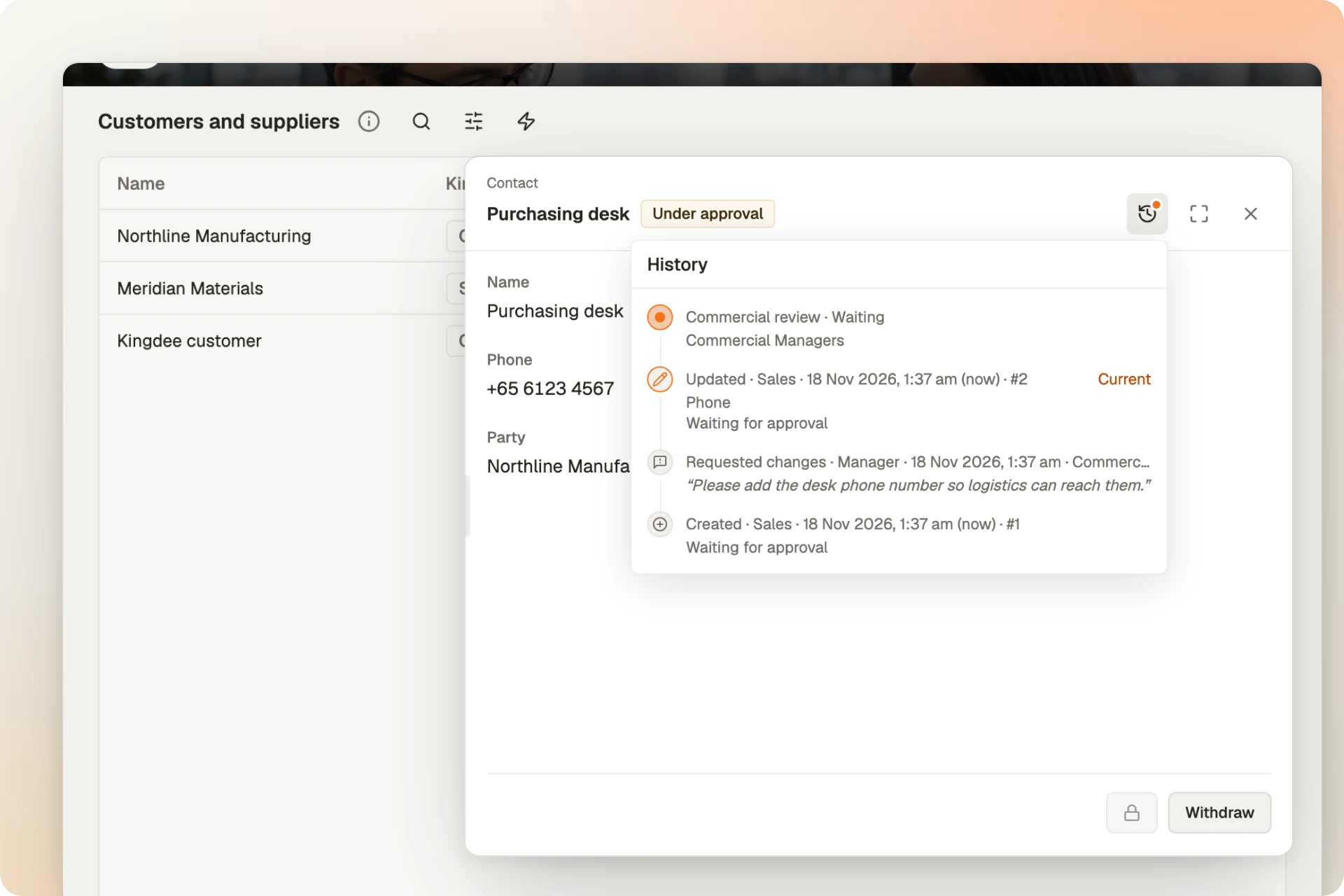
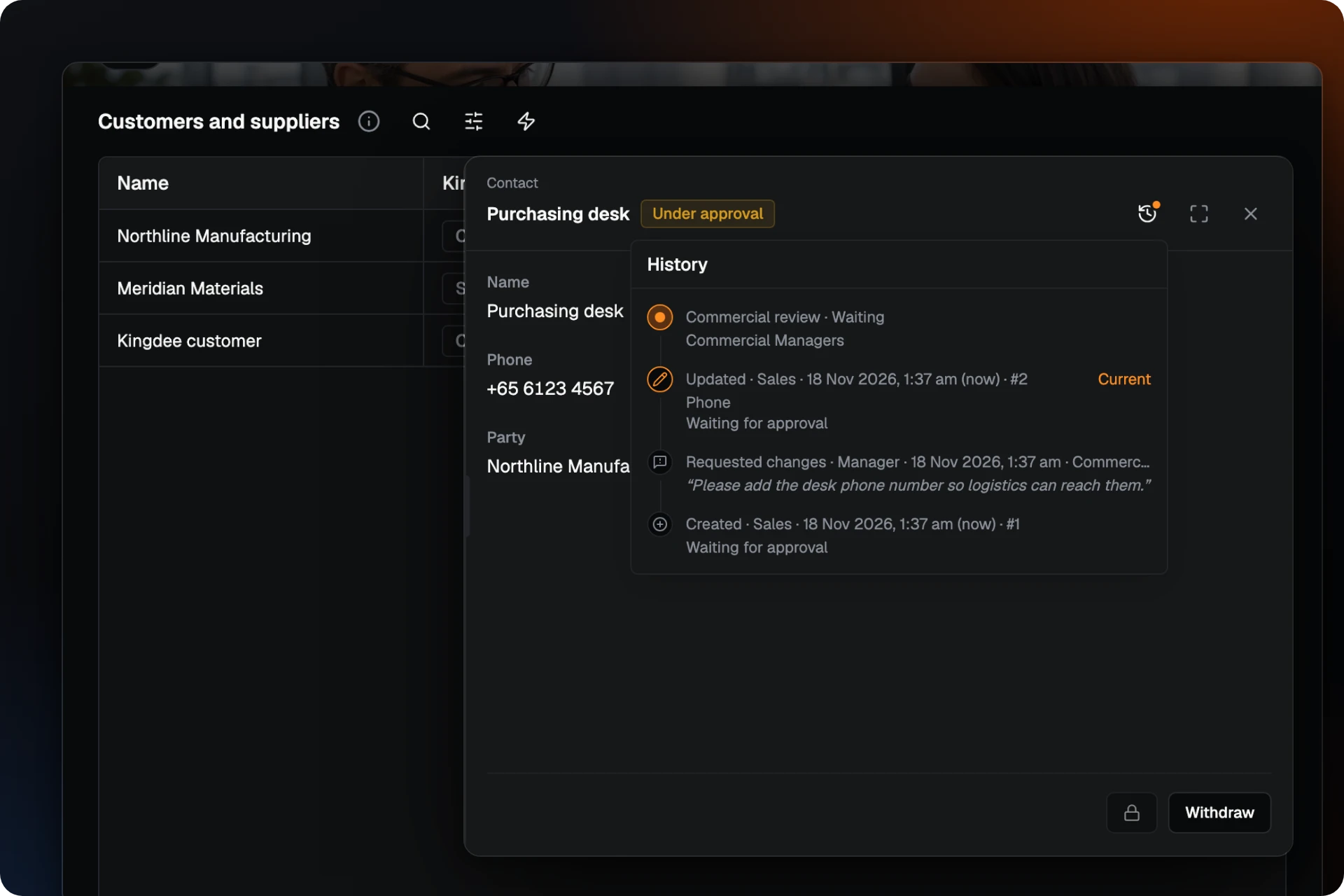
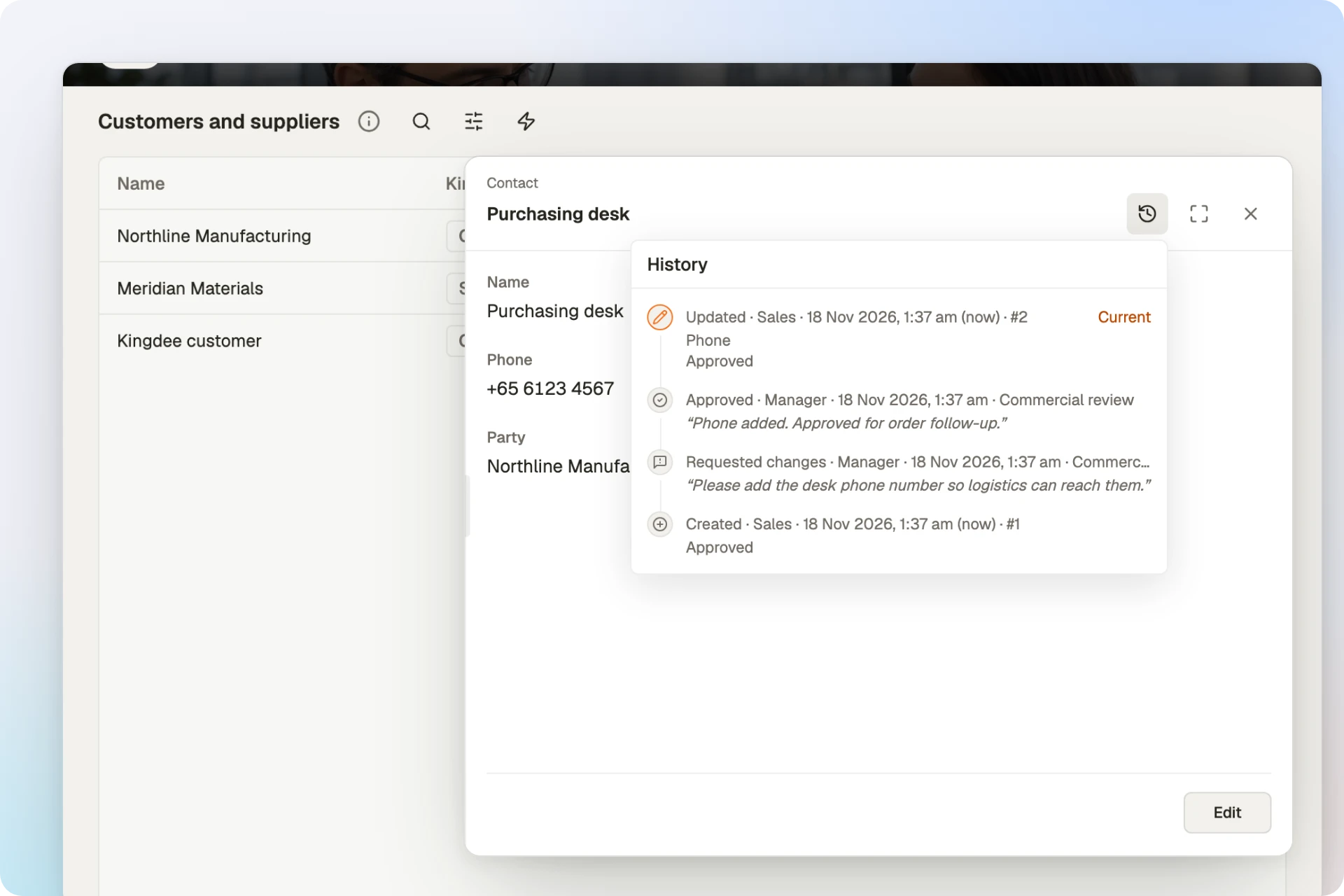
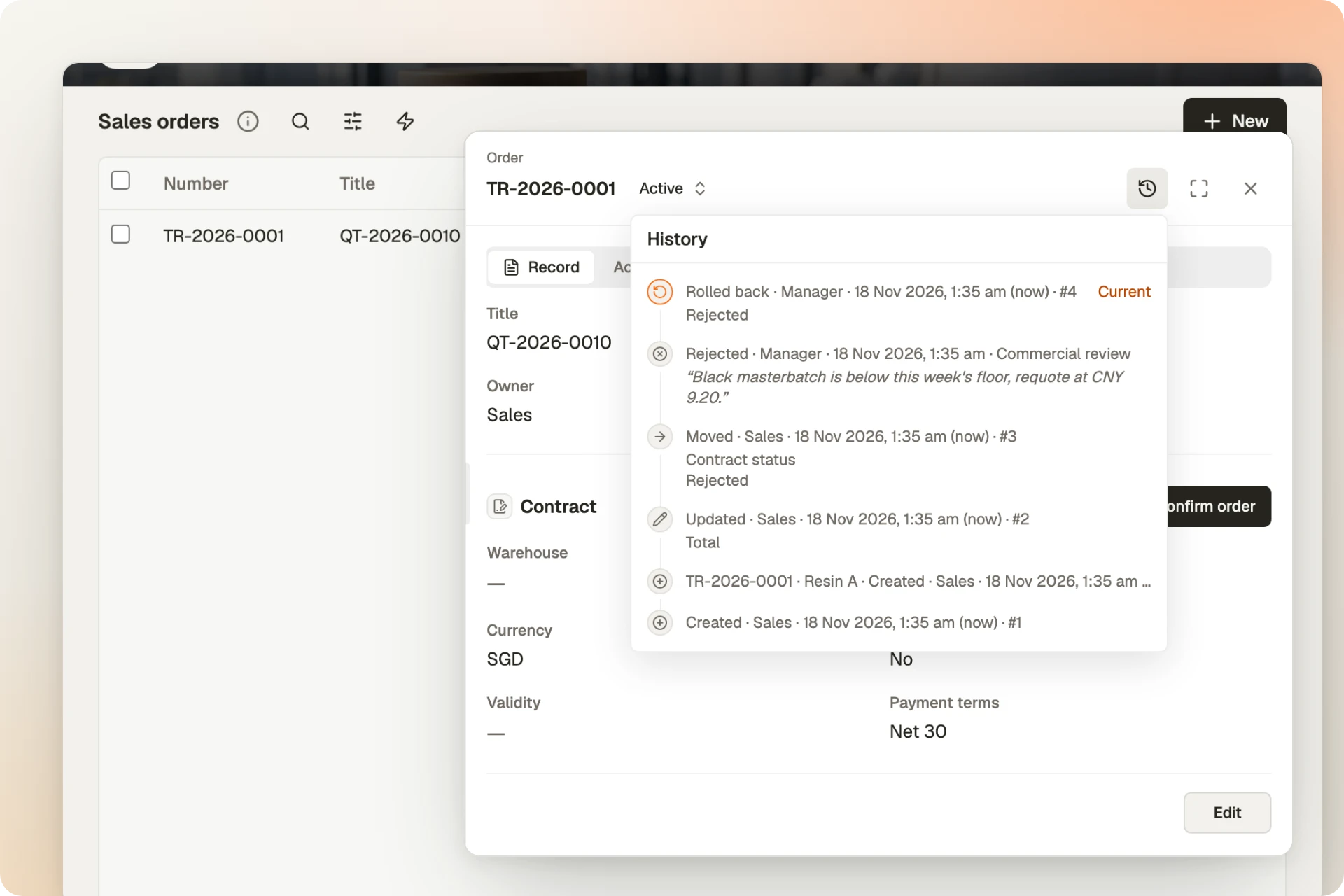
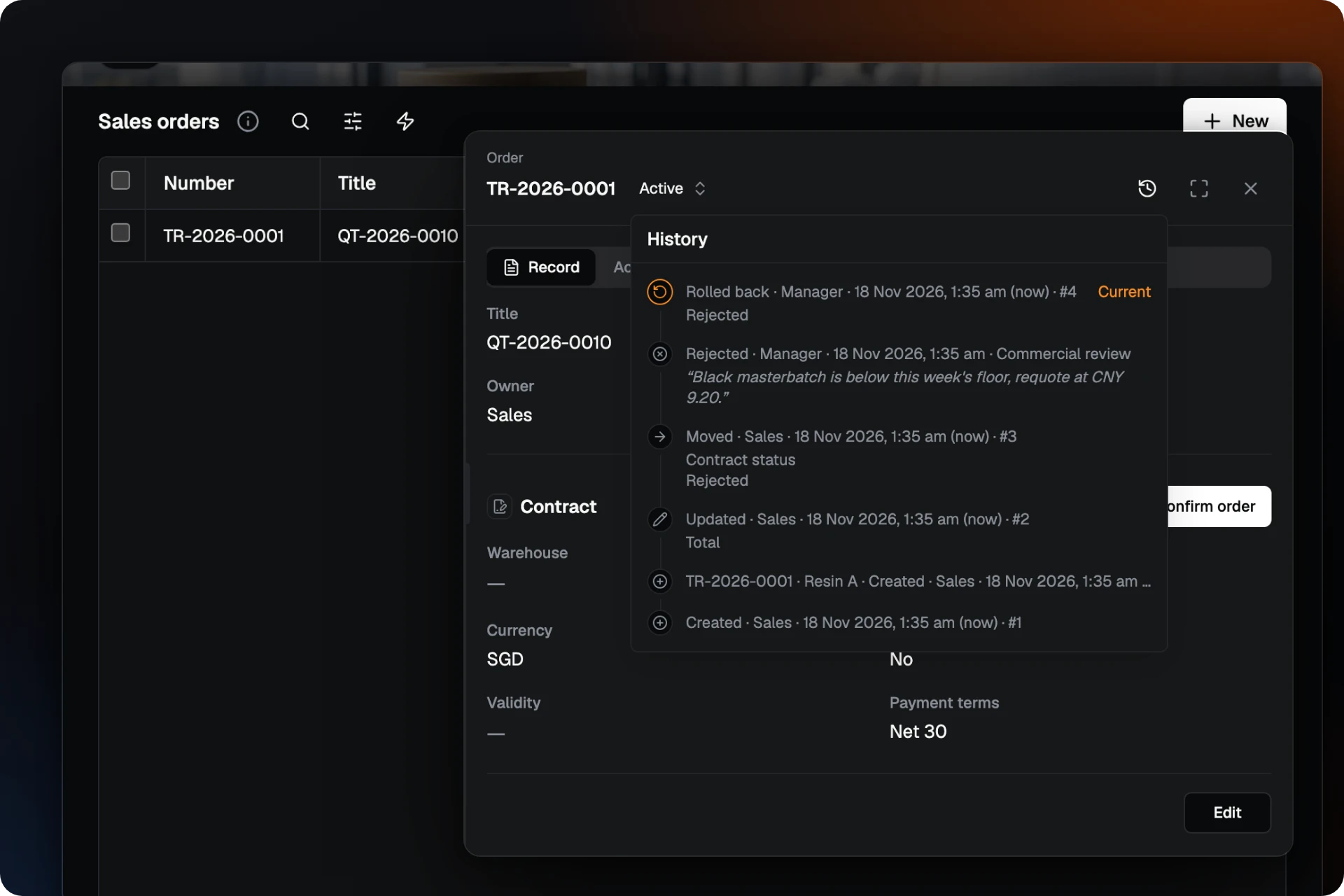
When a record is under approval, its History timeline shows each step and its footer offers the decisions you may make:
| Decision | Who | Result |
|---|---|---|
approve | A member of the current step's teams, or one of its users | Moves to the next step, or approves the change after the last one. A reason is optional. |
reject | A member of the current step's teams, or one of its users | Undoes the change: an edit is restored, a new record is removed, a deleted record comes back. A reason is required. |
request_changes | A member of the current step's teams, or one of its users | Keeps the data and hands it back. The requester edits and saves, which resubmits the same request. A reason is required. |
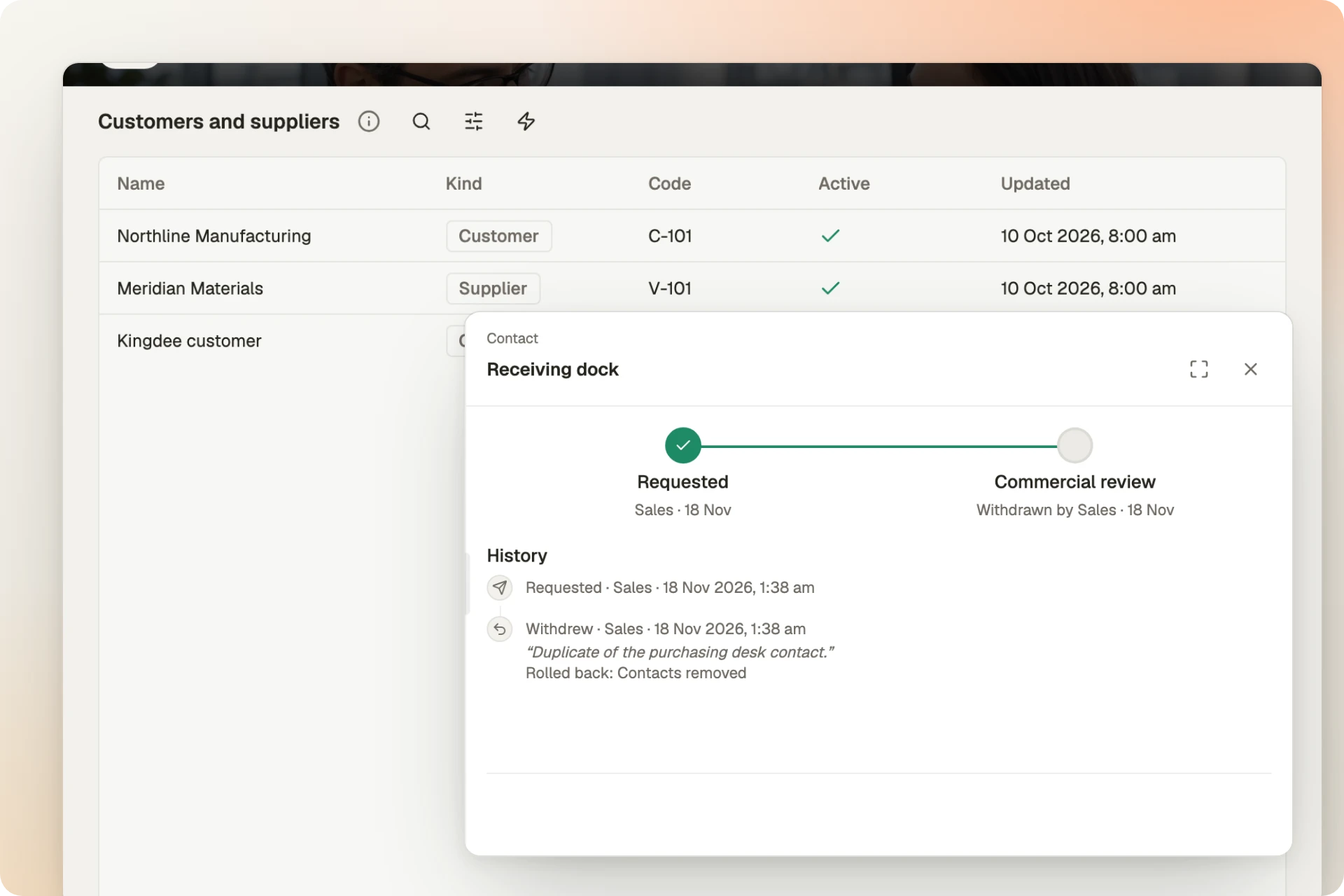
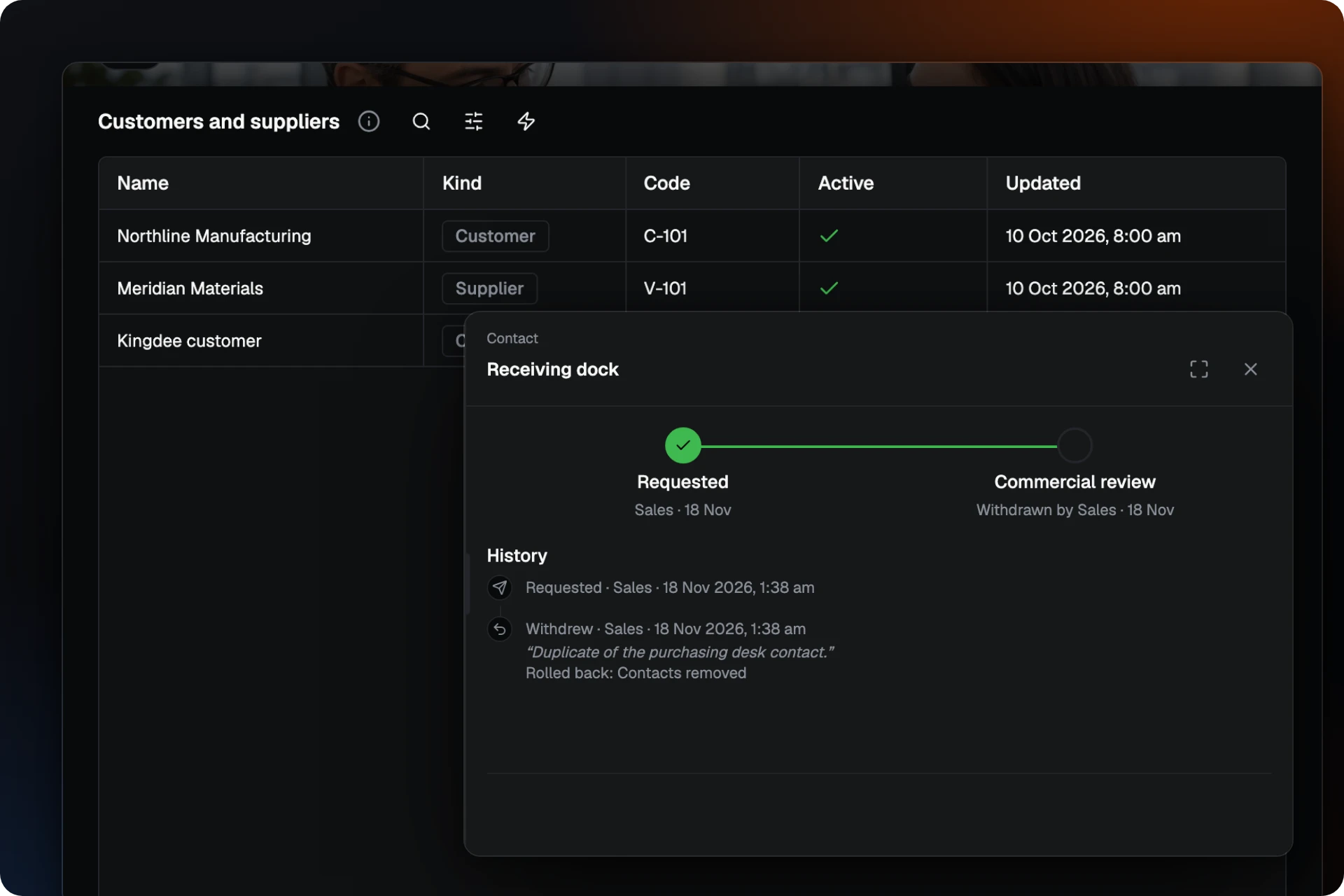
withdraw | The requester, while the request is open | Takes the request back and undoes the change, as a rejection does. |
approve with a reason | A member of a superseded_by team | Decides the whole request at once and keeps the data. |
Approved, rejected, withdrawn and superseded requests are final. Automations, integrations and envoys never decide approvals.
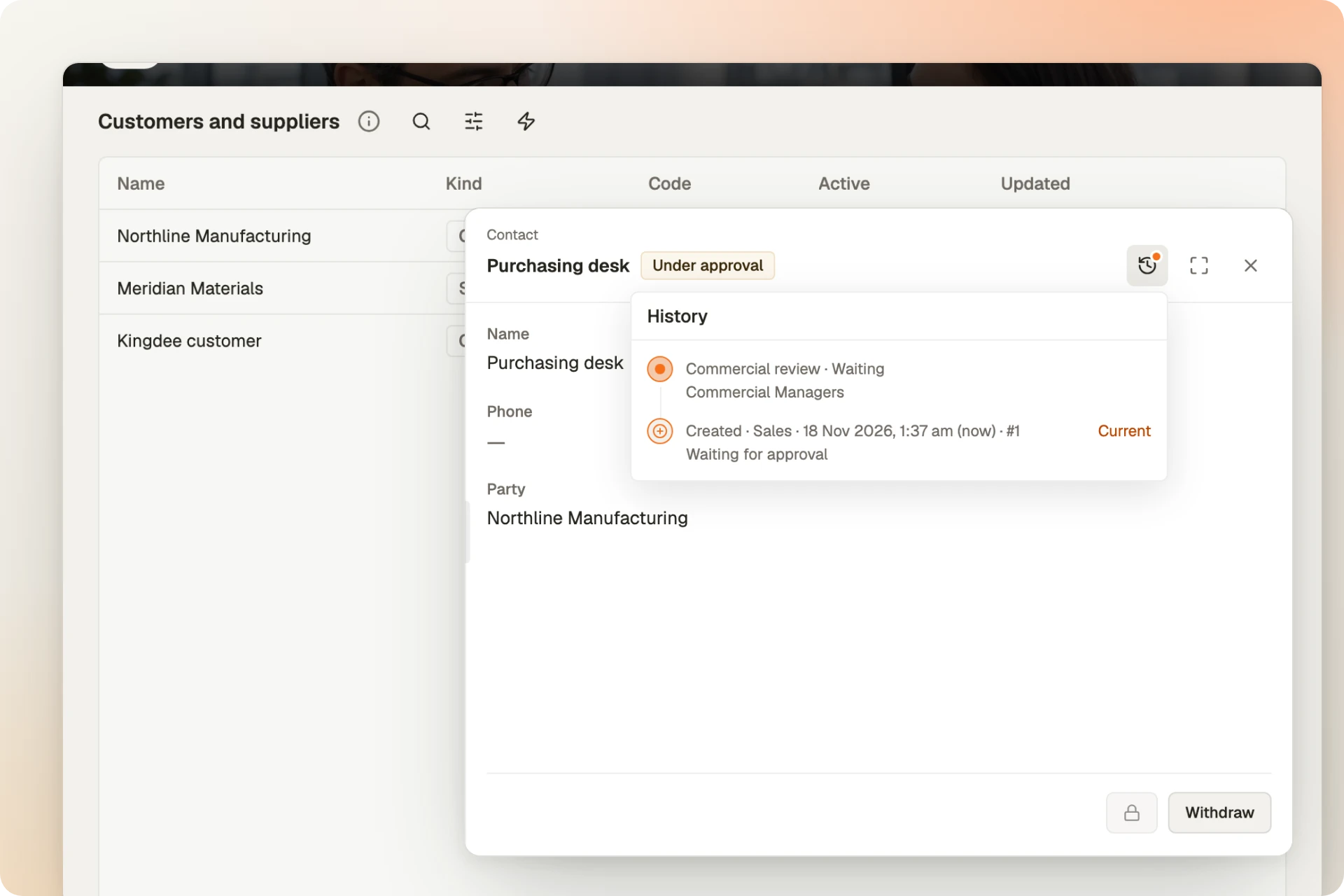
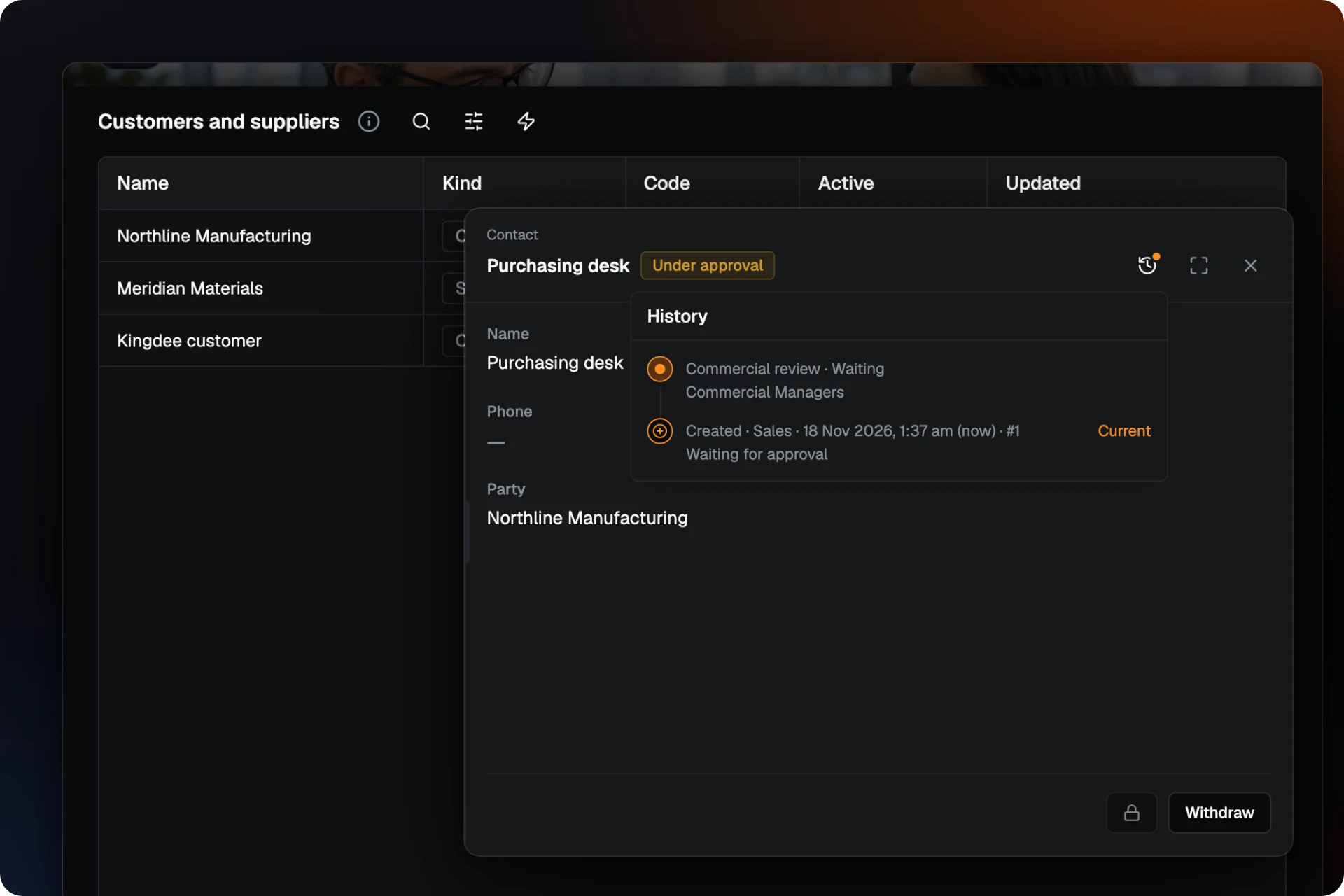
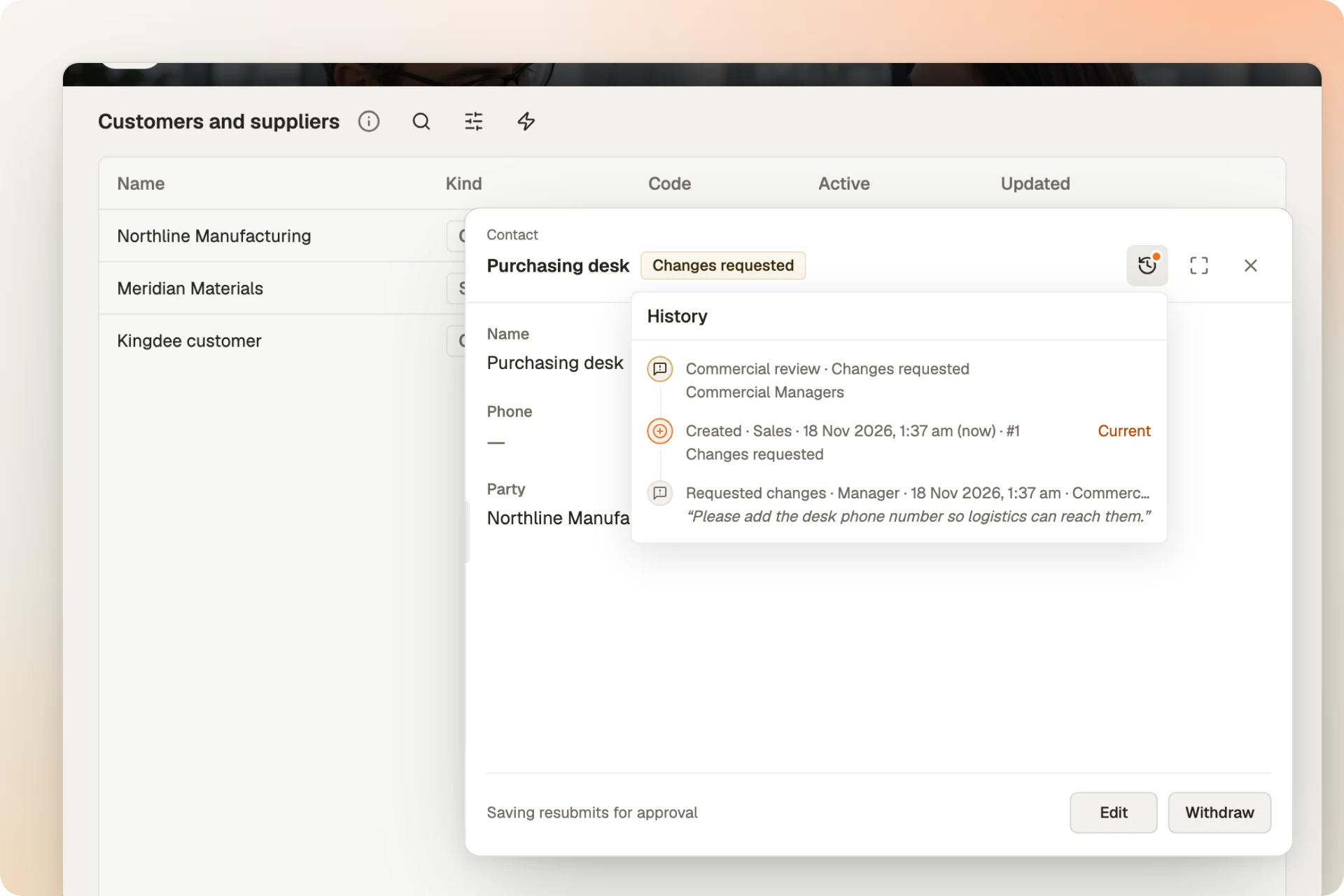
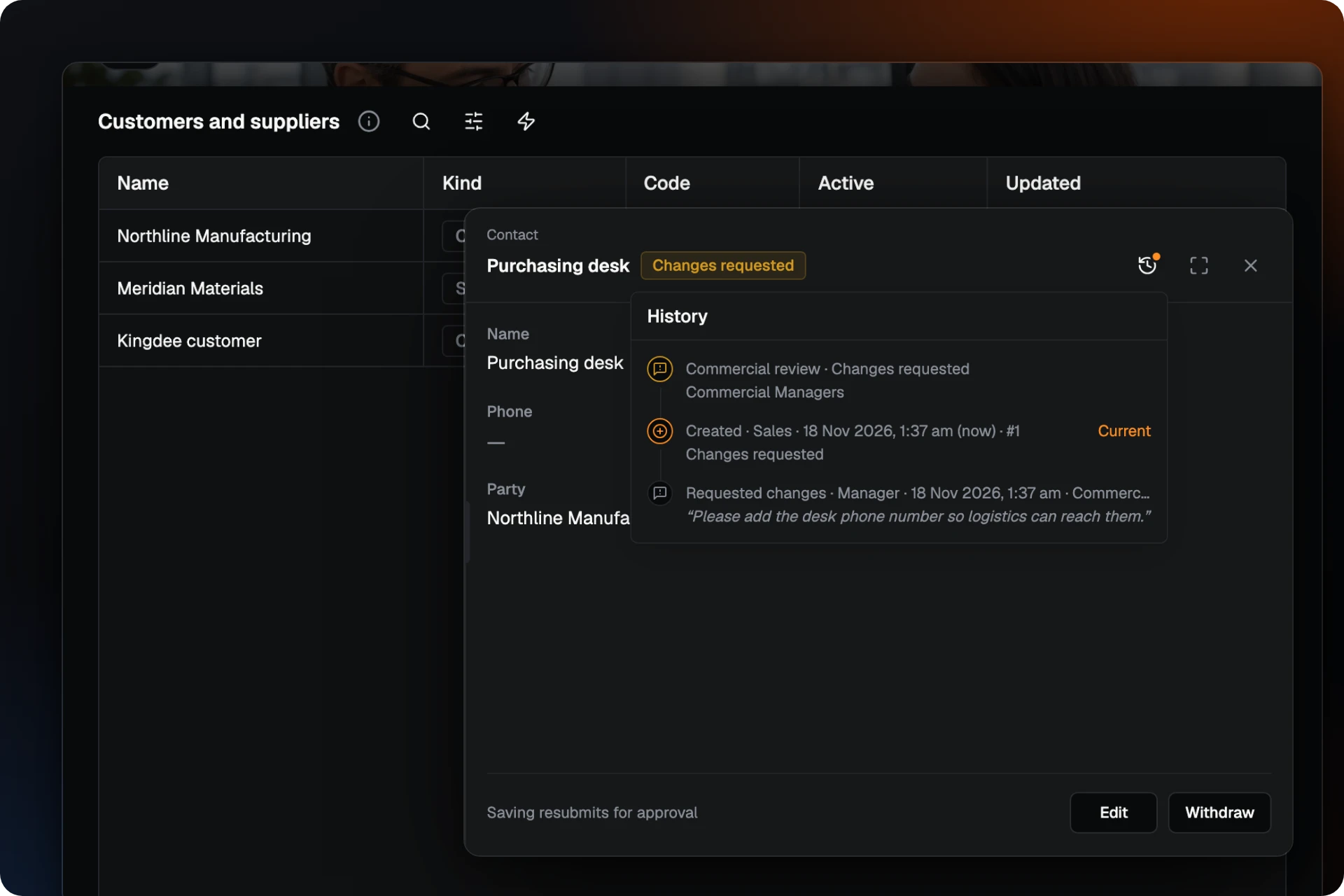
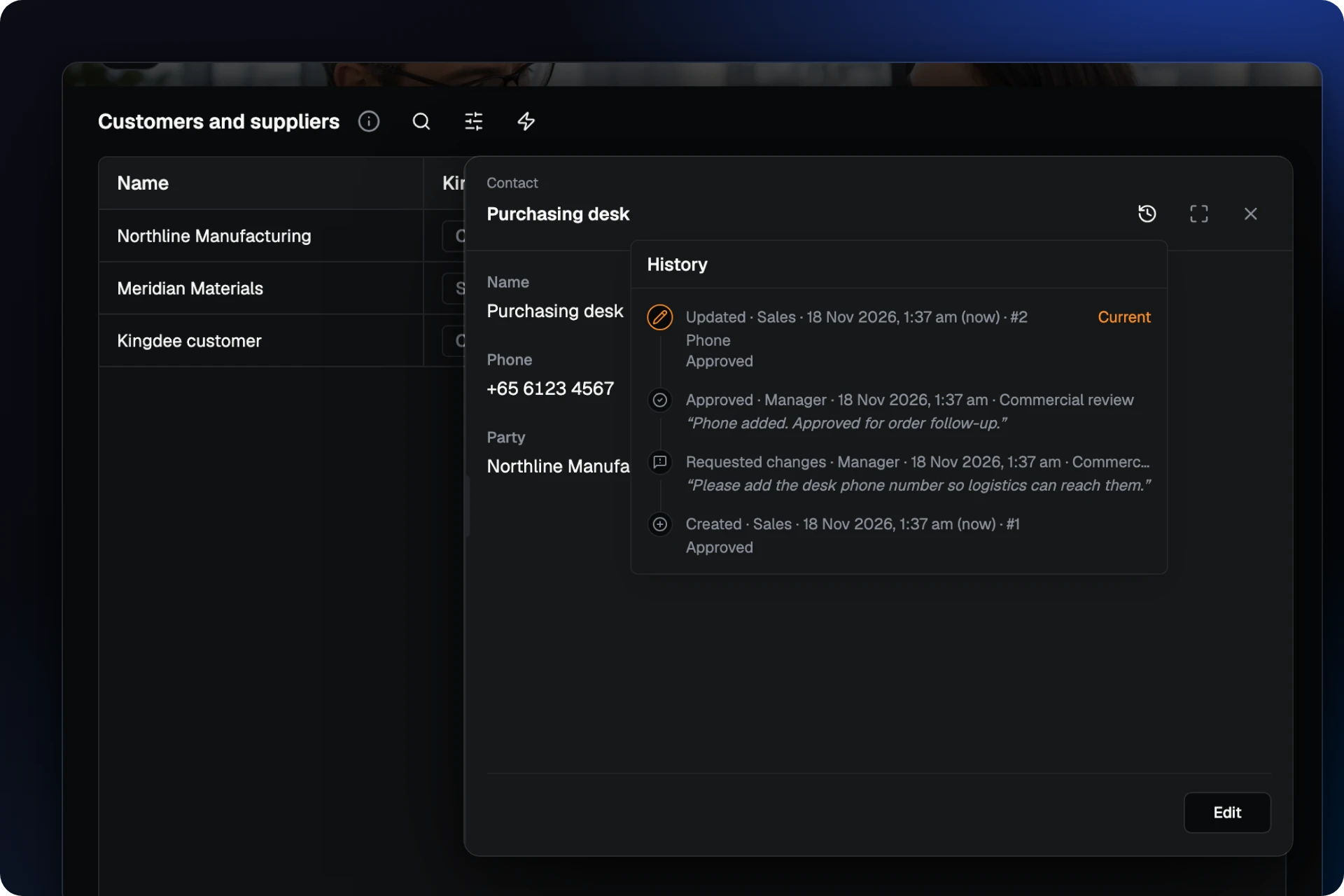
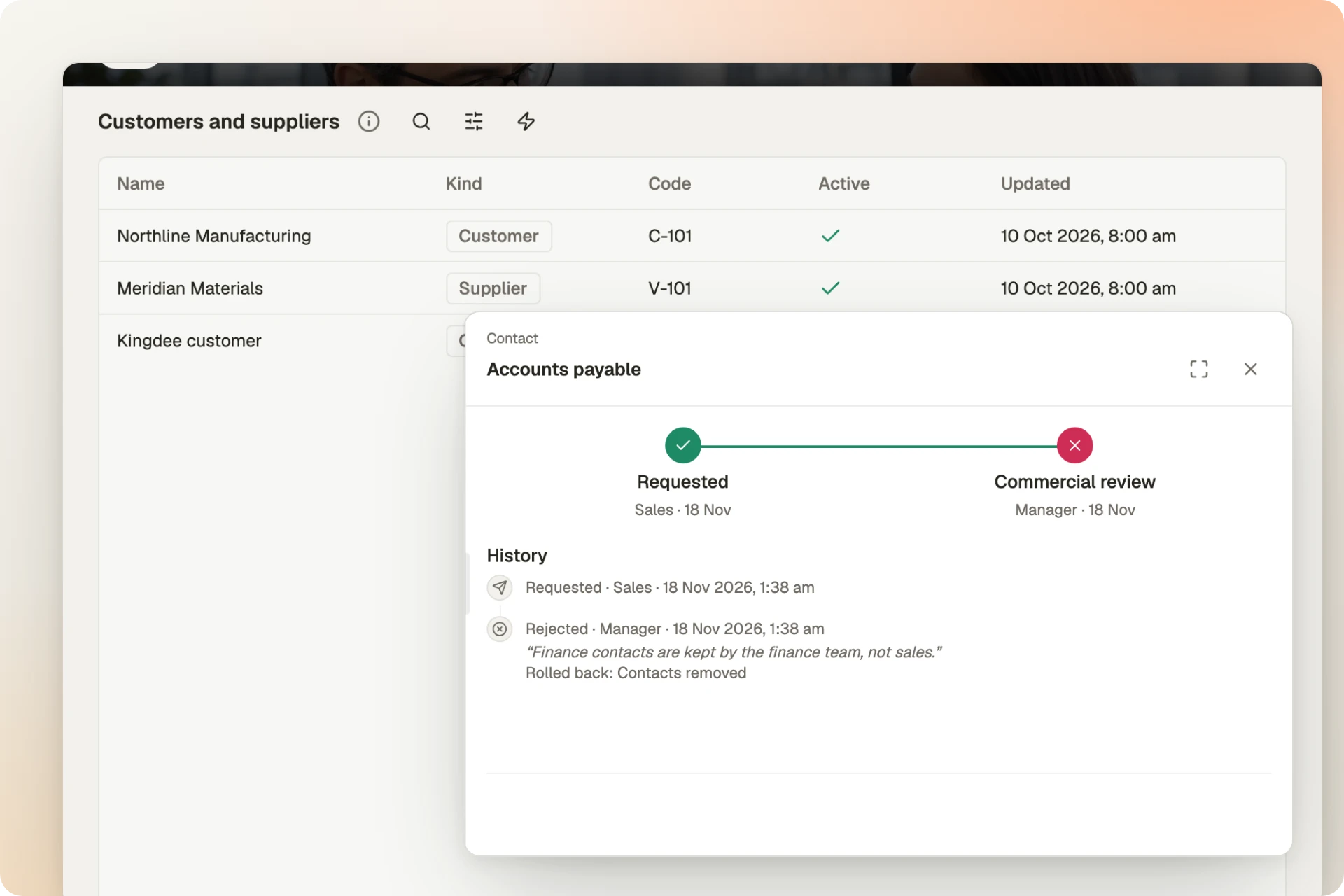
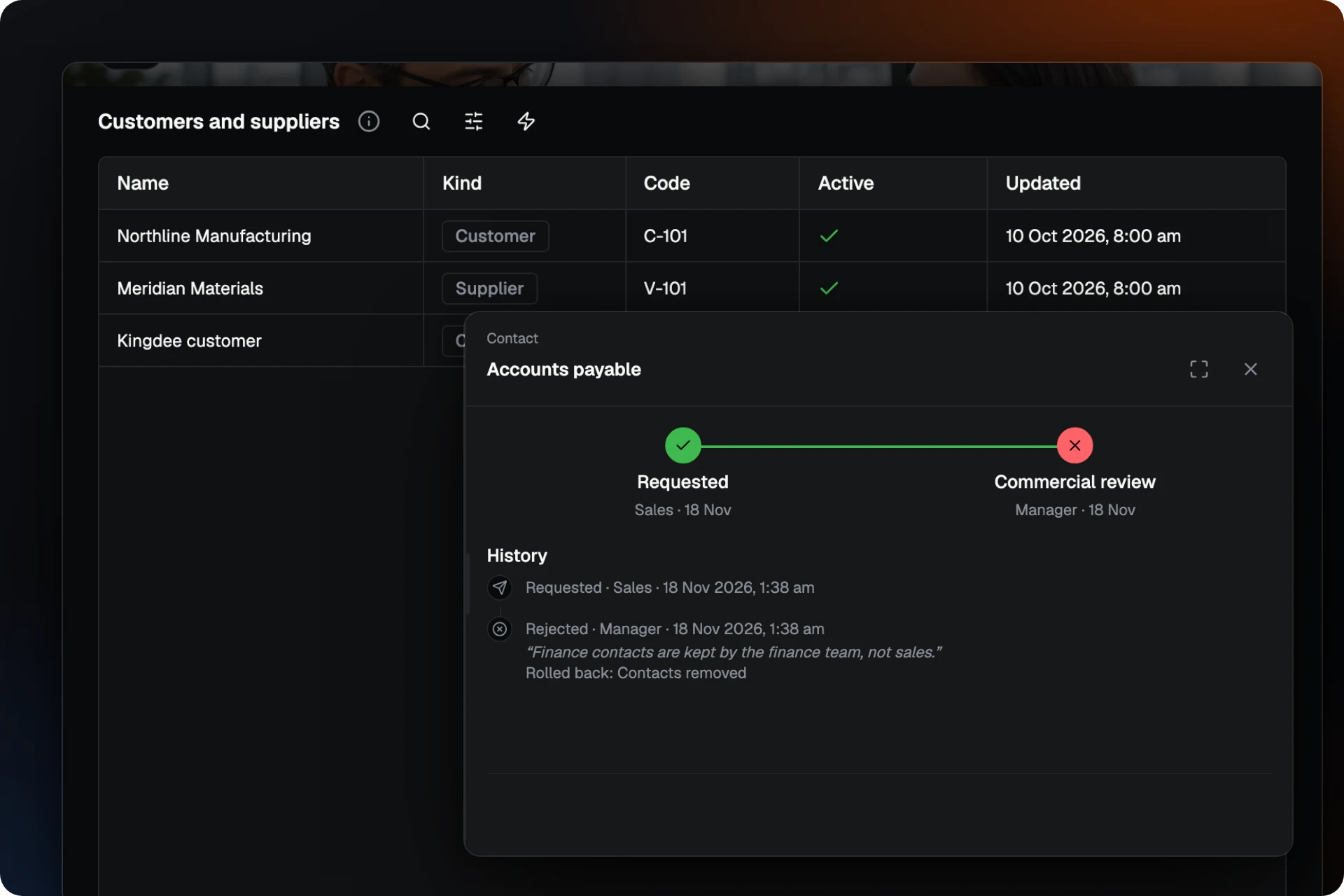
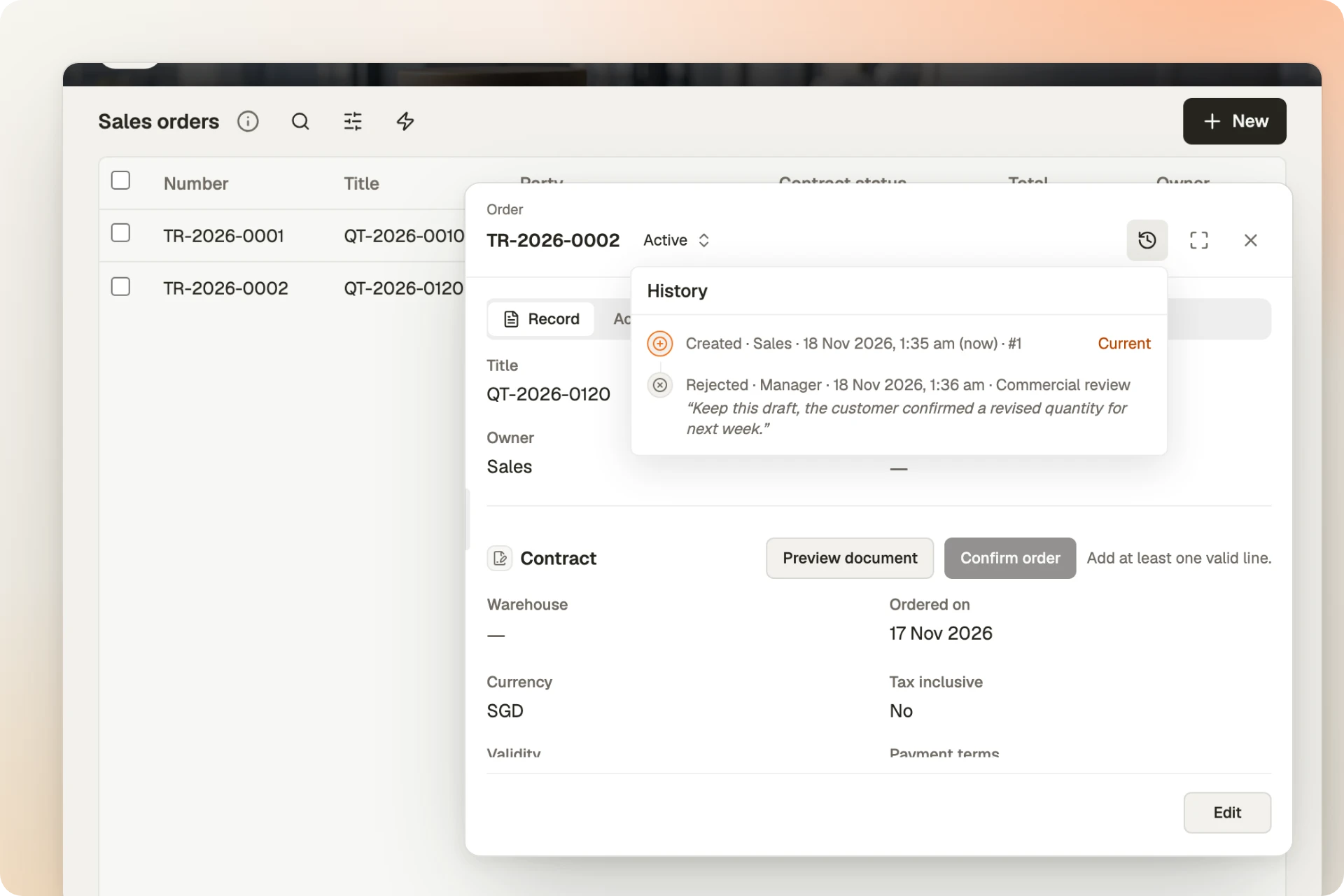
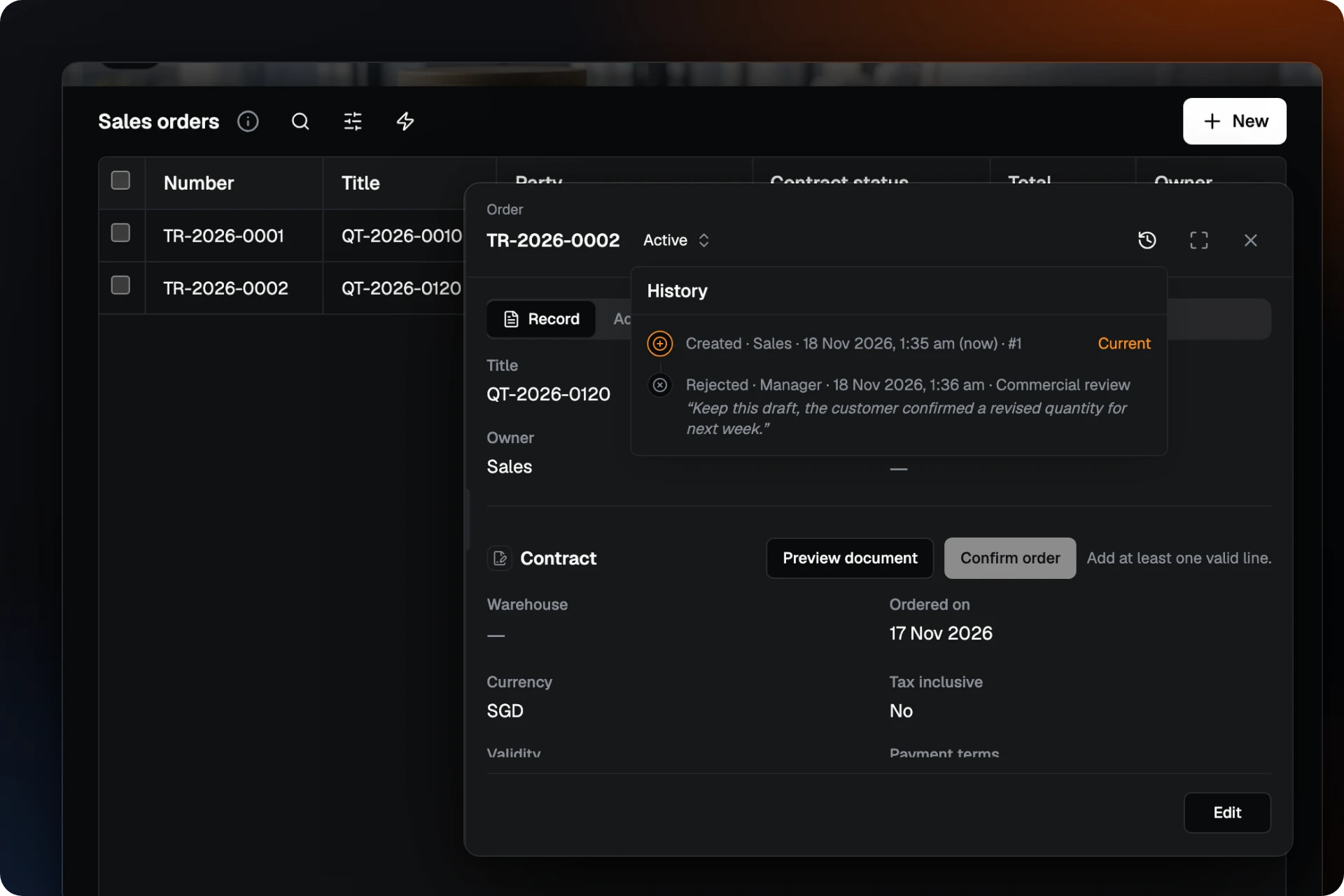
History weaves each step — done, waiting, changes requested or upcoming — into the record timeline. Decision buttons sit in the record footer, and while changes are requested the requester's Save button reads Resubmit.
While a change is pending
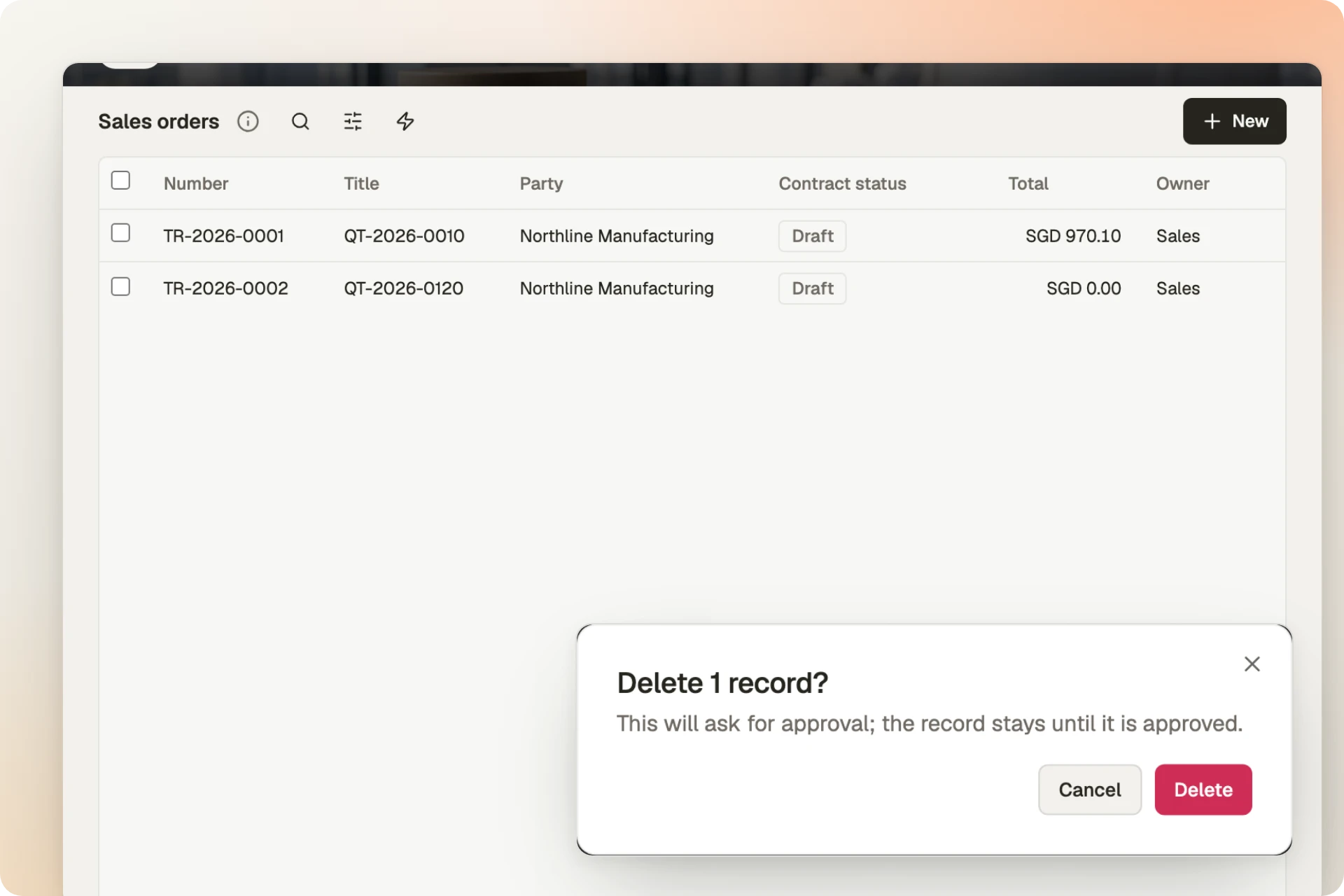
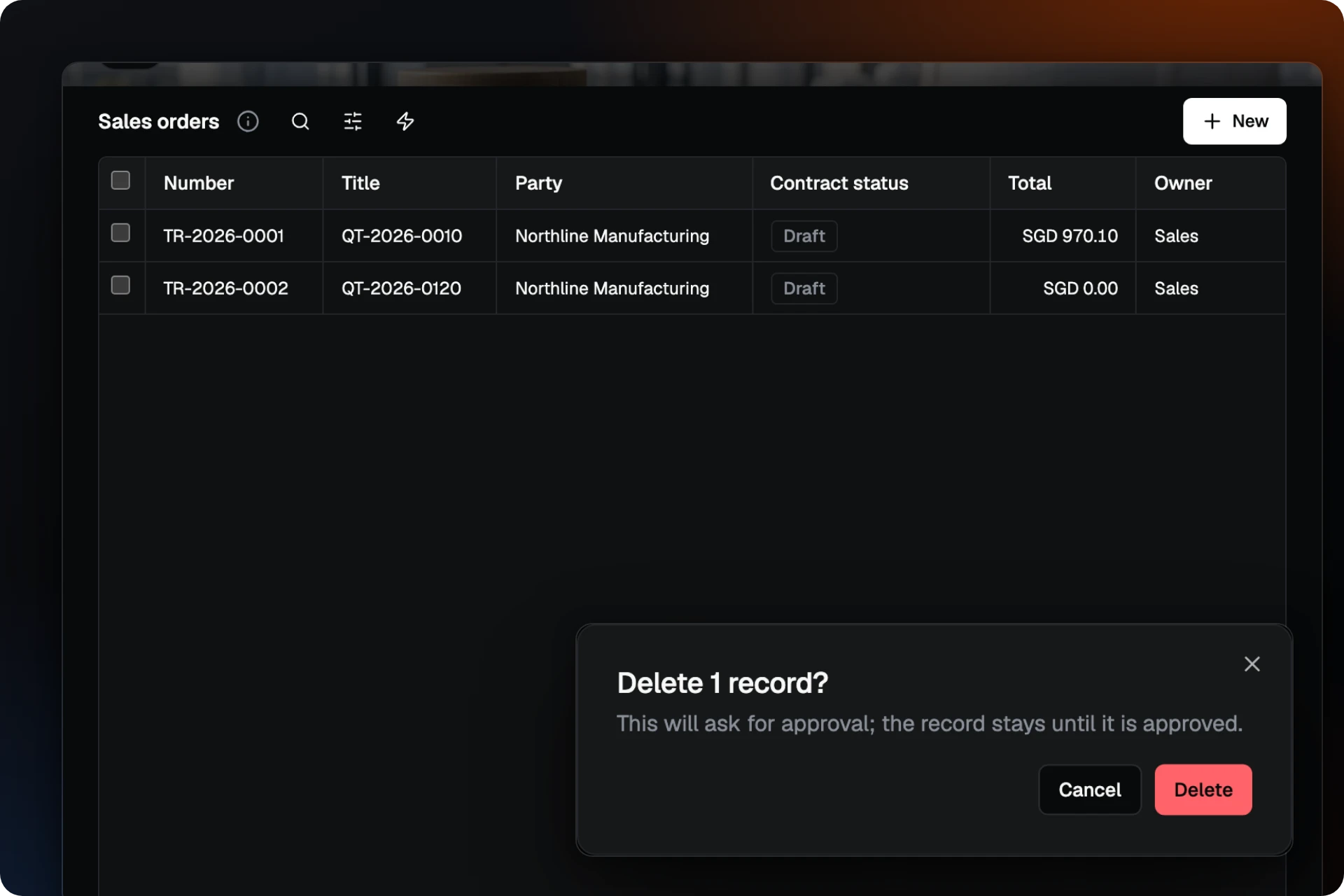
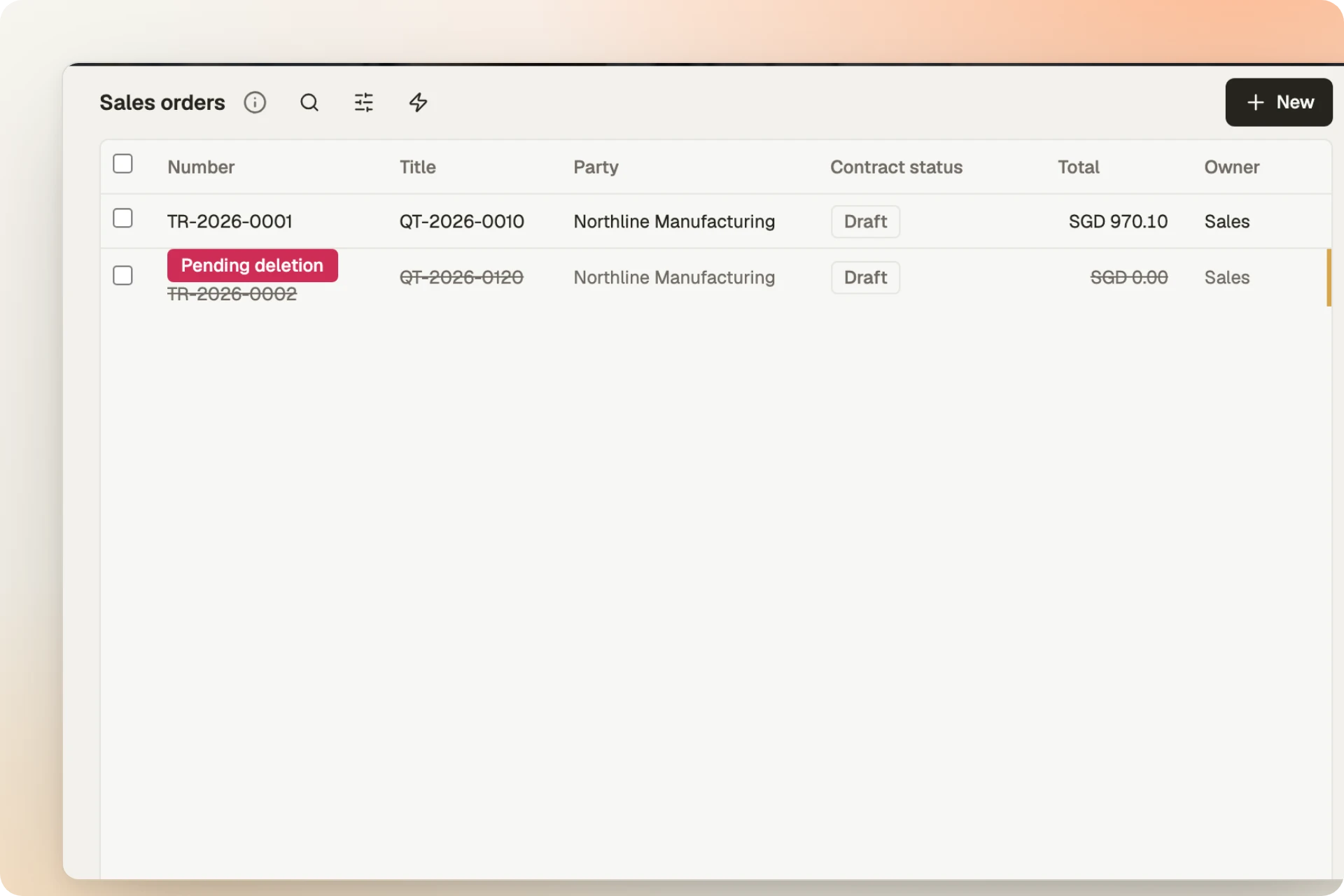
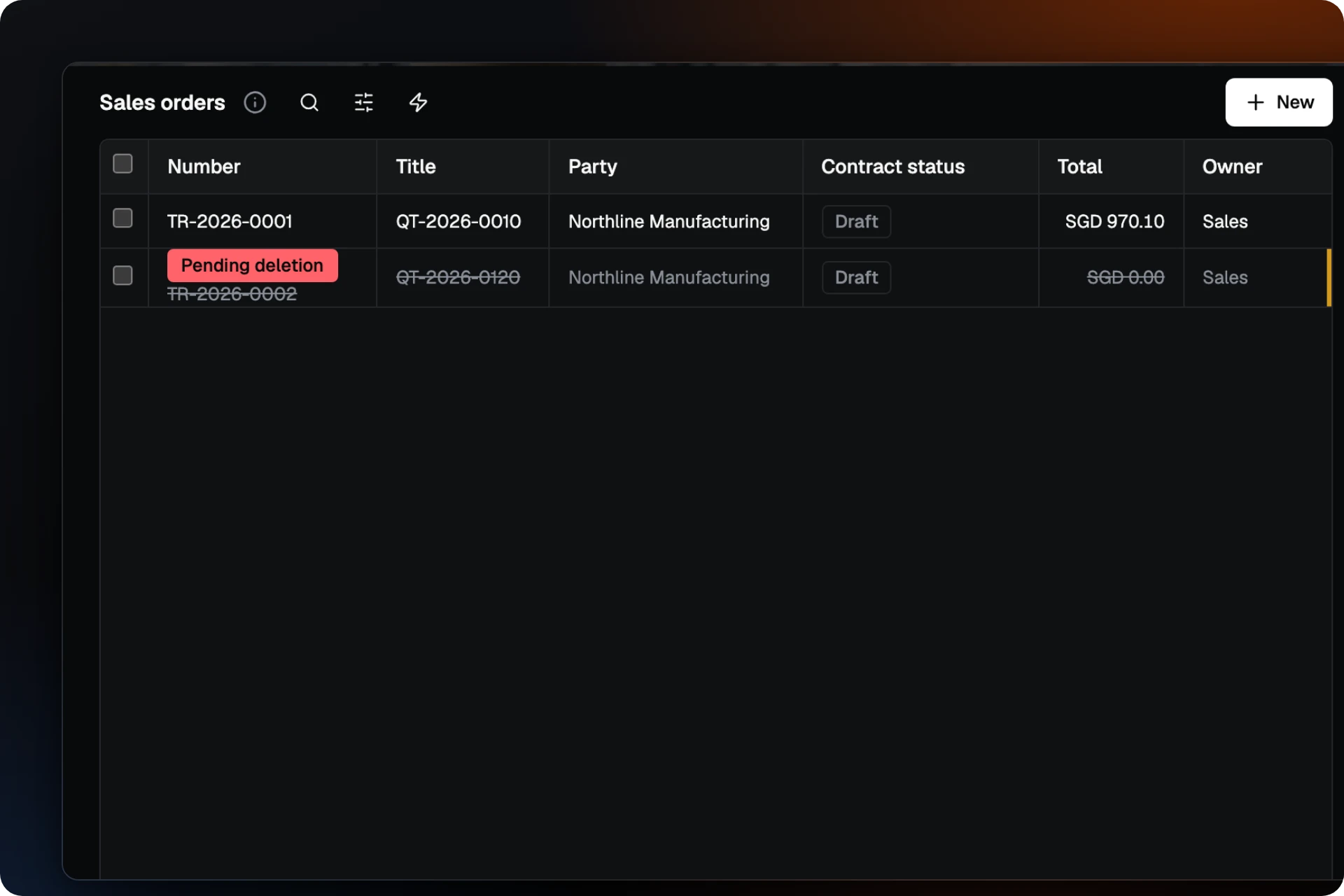
Held records are locked on every path, including imports and syncs. Only the current approvers may edit them, and after changes are requested only the requester may. While the request is open, anyone who may decide one of its steps can read the records it holds. Outgoing syncs wait for the decision. Each held row carries $approval with its state and step, and shared tables and boards show it.
What people see
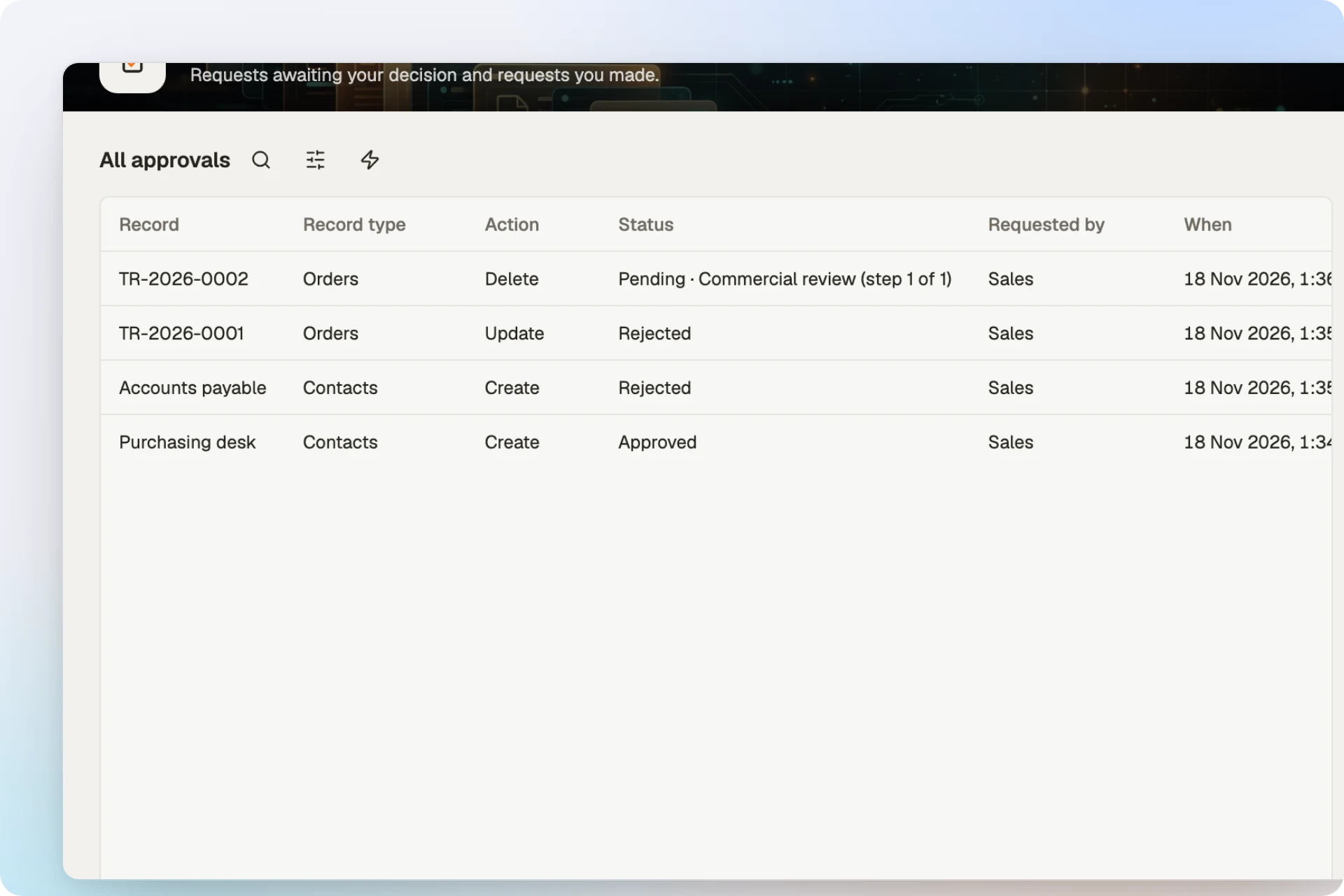
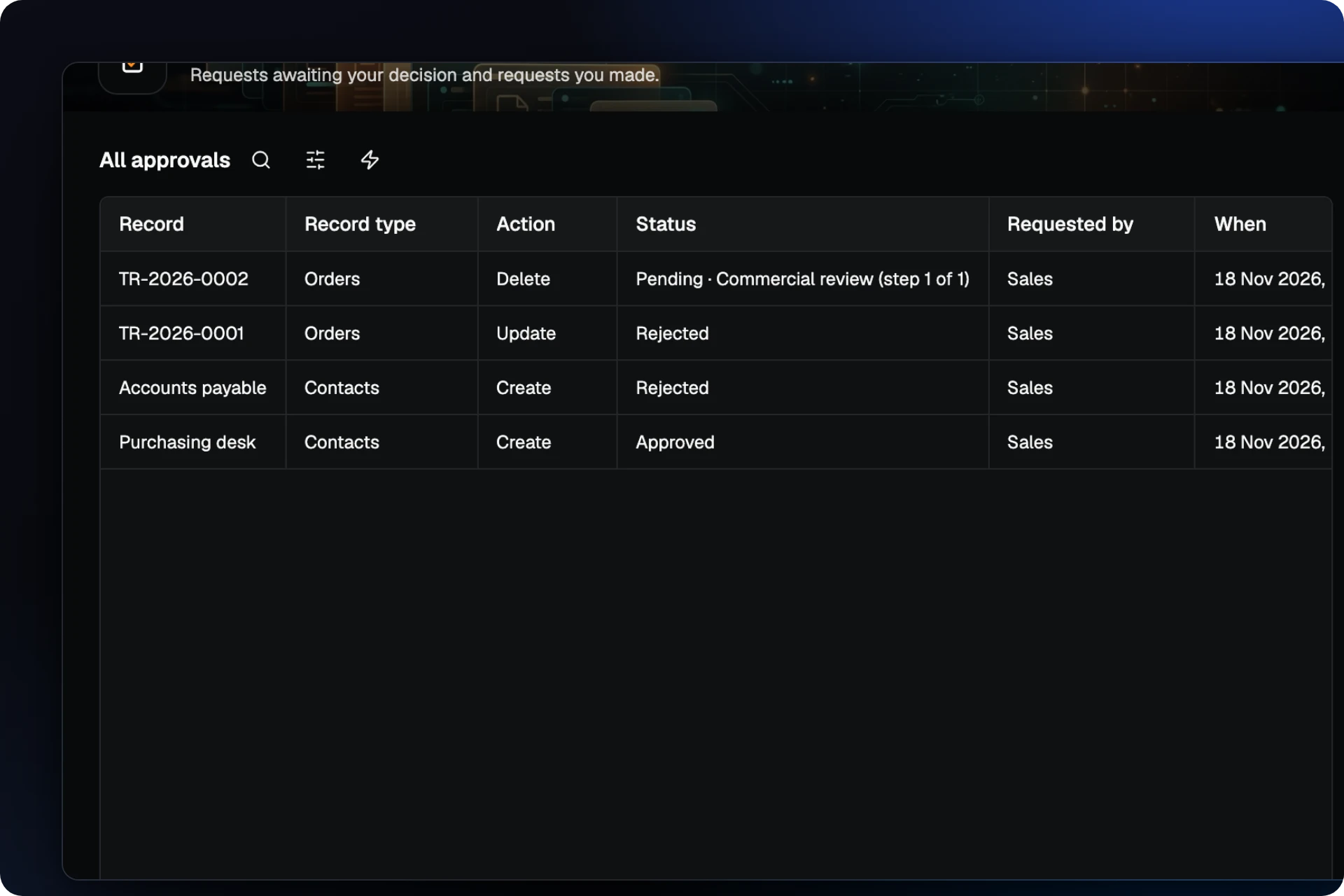
Approval actions and step history live inside every record, so these screens need no code.
Deciding from your own page
import { fork } from '@norbital-ai/ui/effect';

// request_id comes from the write's pending_approval outcome or the row's $approval
fork(
	ctx.approvals.decide(request_id, {
		decision: 'request_changes',
		reason: 'Attach the receipt for the charge.'
	}),
	(failure) => (problem = failure._tag)
);
Every record already places these controls in its footer and its steps in History, so most workspaces need no code. ctx.approvals.get(id) returns a request with its steps, its timeline and the decisions the viewer may make.
Reacting to approvals
A model's effects receive approval events with ctx.event.kind === 'approval', so you can send your own notices when a request opens, moves or ends. Rows carried with on_approved are saved only when the final approval lands.