On-Demand Services
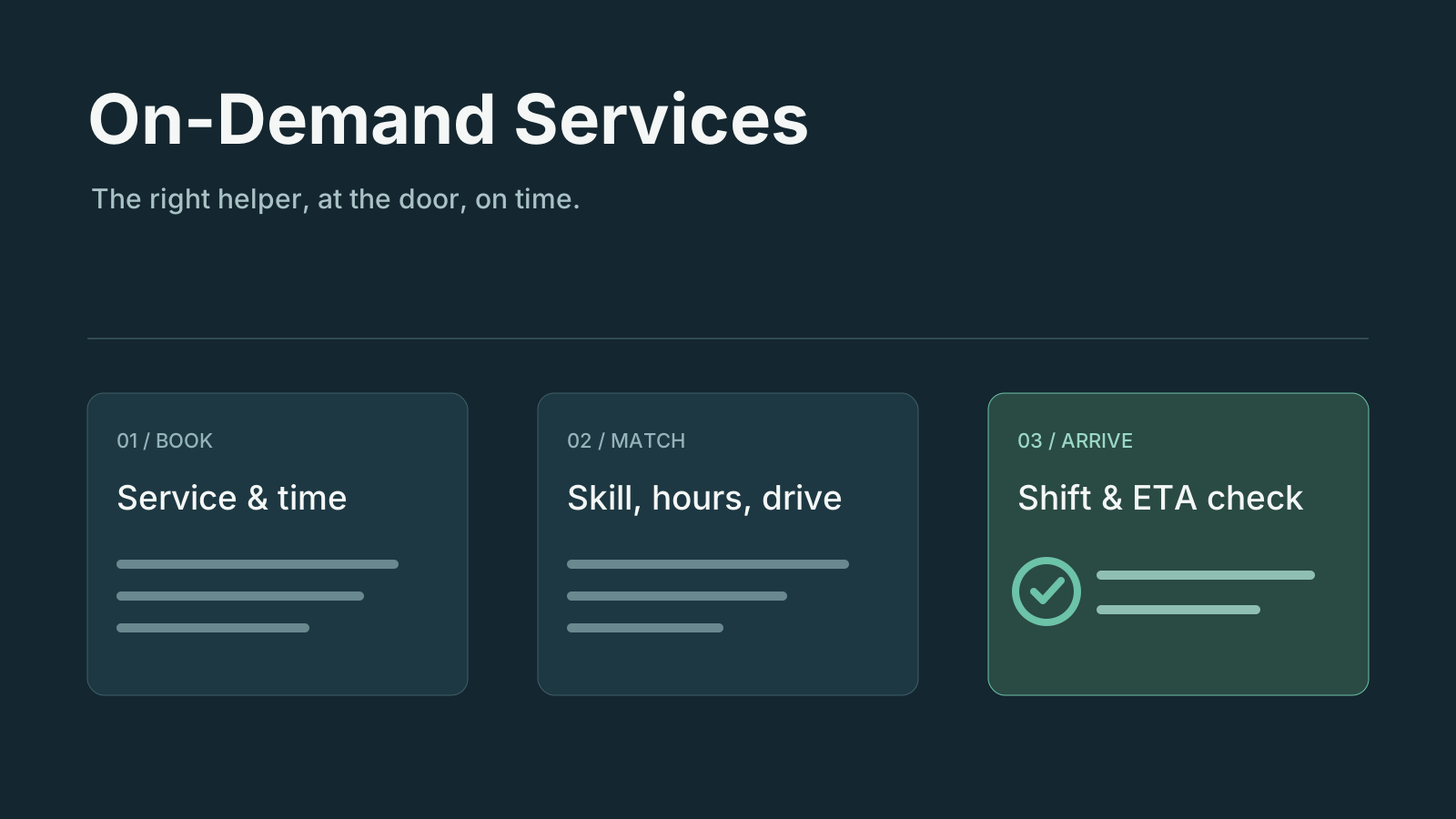
GitHubA booking and dispatch workspace for businesses that send helpers to customers' homes: cleaning, laundry, handyman work — anything booked by the visit. The desk takes a booking, the workspace matches a helper to every visit, and it watches each shift until the helper is at the door.
The user guide, with screens of every app, is docs/README.md.
Current screenshots
Captured 2 October 2026 from the standalone template with sample data.
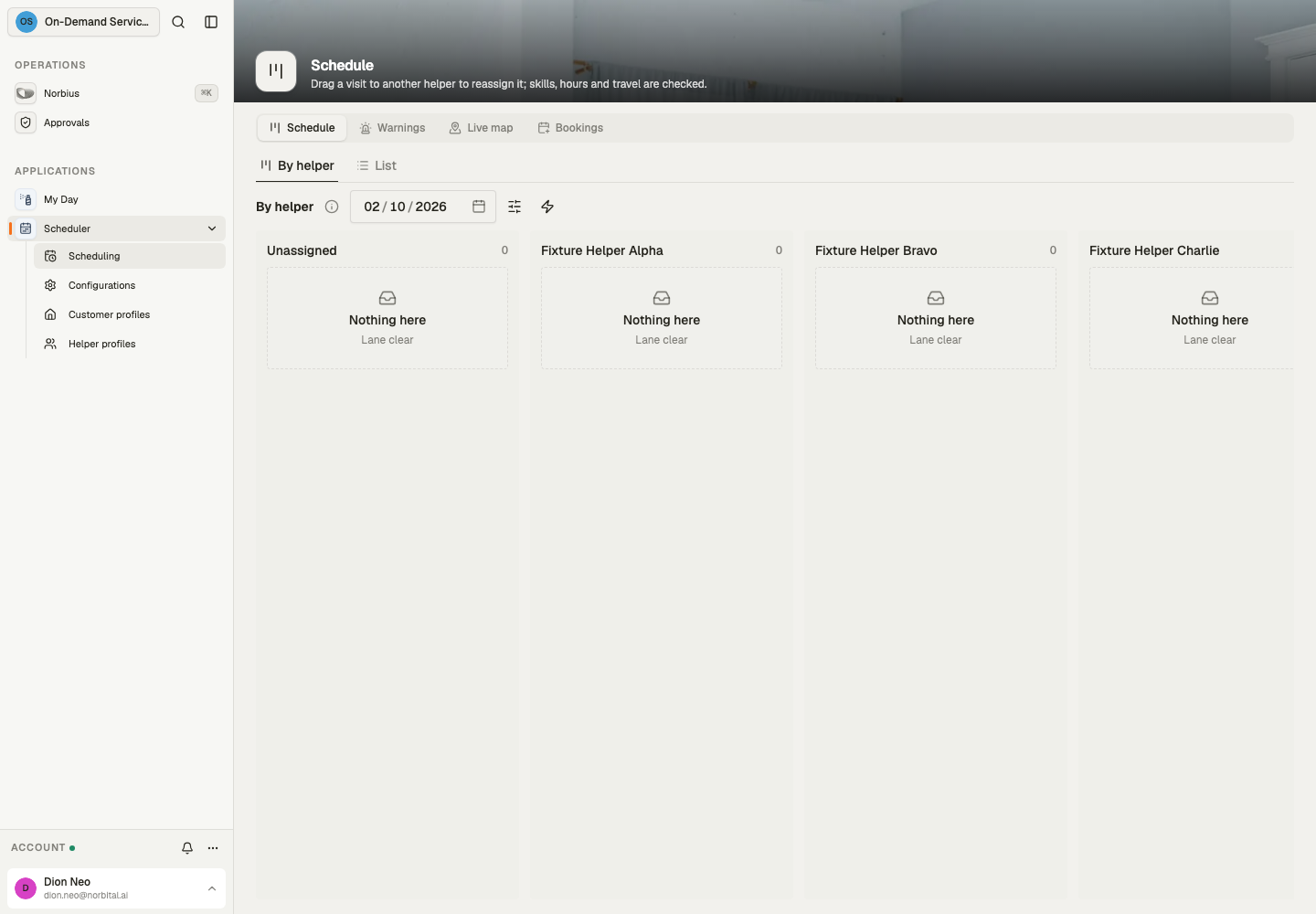
Schedule
Operating model
A customer books a service at their address. The booking has one visit per occurrence (once, weekly, fortnightly or monthly), and every visit is held by one helper.
Booking without a preference. Pick the customer and the service, choose a date and time, and confirm. The workspace matches the best helper; a recurring customer keeps that helper for as long as they stay free.
Booking with preferred helpers. Name one or more helpers in the customer's order. The desk sees a tab per helper with the half-hours each is free that week; the time picked is booked with that helper first, then the others in order.
Matching. Every booking, drag, reassignment, move and portal time runs the same rules
(src/lib/matching.ts).
Hard requirements. The helper is active, has the service's skill, works that weekday and those hours, and is not on time off. They must also be free once the drive to the visit and on to the next one is counted, plus 15 minutes to park and carry the kit in, on both sides.
Ranking. Every helper who passes is scored in minutes of driving, and the highest score wins:
Term Score Drive this visit adds to the day − minutes Hours already booked that week − 2 per hour (load balancing) Helper lives in the customer's area + 5 Same helper as this booking's last one + 100 (recurring continuity) The added drive is the trip in from the helper's last stop (a visit, or home), plus the trip on to their next visit that day, less the direct trip it replaces. A visit on a helper's way costs close to nothing, so days stay tight and total driving stays low. Ties go by name. With preferred helpers, the customer's order decides among the helpers who pass.
No double booking. Three layers stop it:
- The database refuses two visits of one helper that overlap, however they are written.
- Every write that names a helper or moves a visit is re-checked against the hard requirements. That covers a drag on the board, a reassignment and a move, and the refusal names the reason.
- The
check_drivesrun walks each helper's next two weeks in order. A visit they can no longer reach from the one before is handed to the best match. That happens when Google's time is longer than the estimate, when two bookings race, or when a visit is written by hand. When nobody can take it, it waits in Needs attention.
Drive times (Google Maps). Set GOOGLE_MAPS_API_KEY on the workspace's Secrets page. The key
needs the Routes API enabled in Google Cloud.
check_drivesruns every 15 minutes and whenever the schedule changes. It asks Google (Routes API, typical traffic) for every leg the helpers' next two weeks will be driven: home to the first visit, then visit to visit.- Each time is cached in
drive_times, per pair of ~1 km squares (0.01°). Matching reads that cache first. Squares recur, so a weekly customer's legs are timed once and reused. - A leg Google has not timed yet uses the straight-line estimate, at an urban 25 km/h.
- The ETA check asks Google in live traffic whenever the straight-line estimate is over half the ETA limit. A helper who is plainly close is not worth a paid lookup.
- Without a key nothing is sent to Google, and every drive is the estimate.
Cost: one element for each new leg (about one per visit and one per helper day, the first time it is seen), and one live element for each ETA lookup. At 2,000 visits a month this sits within or near Google's monthly free usage. Each run makes at most 25 calls, and a backlog drains over the next runs.
A helper leaving. Offboarding a helper proposes, for each of their later visits, the helper with the closest skills at the same time — or the nearest time anyone is free. The customer is emailed the proposal; the desk accepts it.
Changes and cancellations. A visit can be moved or cancelled up to 24 hours before it starts; a cancellation inside 24 hours is marked late (chargeable). The window, like the ETA limit and the shift-check timing, is set in Configurations → Dispatch.
Shift check. Two hours before a helper's first visit of the day they are asked to confirm the day in the helper app. No answer within the hour, or a decline, and the day's visits are reassigned to the best match. Without a medical certificate a warning letter (PDF) is filed on the helper's record. A customer who asked for particular helpers is emailed who comes instead; one who did not is not.
ETA check. Helpers share their position from the helper app while working. An hour before each visit the drive from their last position is estimated (Google, in live traffic, when a key is set); over 30 minutes, or no position in the last 15 minutes, and the visit is flagged in Dispatch → Needs attention for the desk to call the helper and reassign by hand if need be.
Apps
Scheduler (the desk, team Operations) is a group of four apps:
| App | Pages |
|---|---|
| Scheduling | Schedule (a lane per helper — drag a visit to reassign), Warnings, Live map, Bookings |
| Helper profiles | Every helper; open one for their visits, time off and warnings; offboard |
| Customer profiles | Every customer; open one for their bookings and the notices sent to them |
| Configurations | Dispatch settings (ETA limit, shift-check timing, free-change window) and the services on offer |
My Day (team Helpers) is the helper's phone app: the shift check to answer, the visit under
way, the next visits with the drive to each from where the phone is now, directions and a call
button, one tap to start and a completion sheet with notes. While it is open the phone's position is
shared with the scheduler. A helper signs in as the member their helpers.user names.
Book a visit is the customer portal: two site pages (site: true) with no workspace chrome, to
link to or embed in your own site. Anyone may open them.
- Details. The customer types their mobile number and presses Send code; the six-digit code
box appears beside Verify, and the sixth digit verifies (ui's
PhoneVerify). The first verification signs them up as acustomer. That policy opens the portal alone and shows only their own records. Then they pick the service (the hard requirement), address and area, how often, and their name. A returning customer finds these filled in. - Time. The service's open starts over the next two weeks, day by day.
- Confirmed. The
portal_intakerun books it through the same matching the desk uses. When the time was just taken, it says a time will follow and the request waits in Scheduling → Bookings → Portal requests.
My bookings lists their upcoming and past visits (who is coming, how far away) and the messages sent to them.
The open times come from openings, which the publish_openings run keeps current: every 15
minutes and whenever the schedule changes. It names no helper and no other customer. Closing sign-up
(Settings → People) stops new numbers from joining.
To embed the portal, frame it:
<iframe
	src="https://<workspace host>/app/portal/book"
	style="width:100%;height:760px;border:0"
></iframe>
Only the portal's pages may be framed; every other page refuses. Inside the frame, the customer's sign-in is kept apart from the host site's cookies, and writes started by another site are refused.
Source layout
src/
├── data/model/…            services, helpers, helper_time_off, customers, bookings,
│                           booking_helpers, visits, helper_warnings, customer_notices,
│                           booking_requests, openings, dispatch_settings, drive_times
├── data/collection/…       bookings.book, visits.{reassign,reschedule,cancel,…},
│                           helpers.{open_slots,offboard}, and the visit guard
├── automation/             shift_watch, eta_watch, check_drives, warning_letter,
│                           portal_intake, publish_openings, deliver_notices, helper_alerts
├── connection/             google_routes (GOOGLE_MAPS_API_KEY)
├── channel/                customer_mail (emails each customer notice)
├── lib/matching.ts         the matching rules, pure and unit-tested
└── lib/dispatch.ts         loading the pool (with cached drive times), Google calls, reassigning
Development
Requires Node 26 or newer and pnpm. Run commands inside this directory:
pnpm install --frozen-lockfile
pnpm check
pnpm lint
pnpm test
The template pins its Norbital packages. Use the realm's local package overlay when testing unpublished package changes.